What “control” means in Midjourney prompts
You can write a detailed prompt and still feel like Midjourney “ignores” you: the character changes, the outfit drifts, the lighting flips, and the framing wanders. Control doesn’t mean forcing one exact image every time. It means reducing the number of decisions the model has to guess, and telling it which decisions matter most so the variations stay inside your box.
In practice, control looks like consistent subject traits, a stable setting, and a repeatable look across multiple runs. You trade a little surprise for reliability, and you pay for it with more iterations, more disciplined wording, and sometimes less wild originality.
Write prompts that separate subject, scene, style
Think about how you’d brief a photographer: who is the subject, where are they, and what’s the look. Midjourney prompts get more predictable when you keep those three pieces separate instead of blending everything into one long adjective chain. A simple structure is: Subject (what it is, key traits that must not change), then Scene (environment, time, action, props), then Style (medium, era, palette, lighting mood, level of realism).
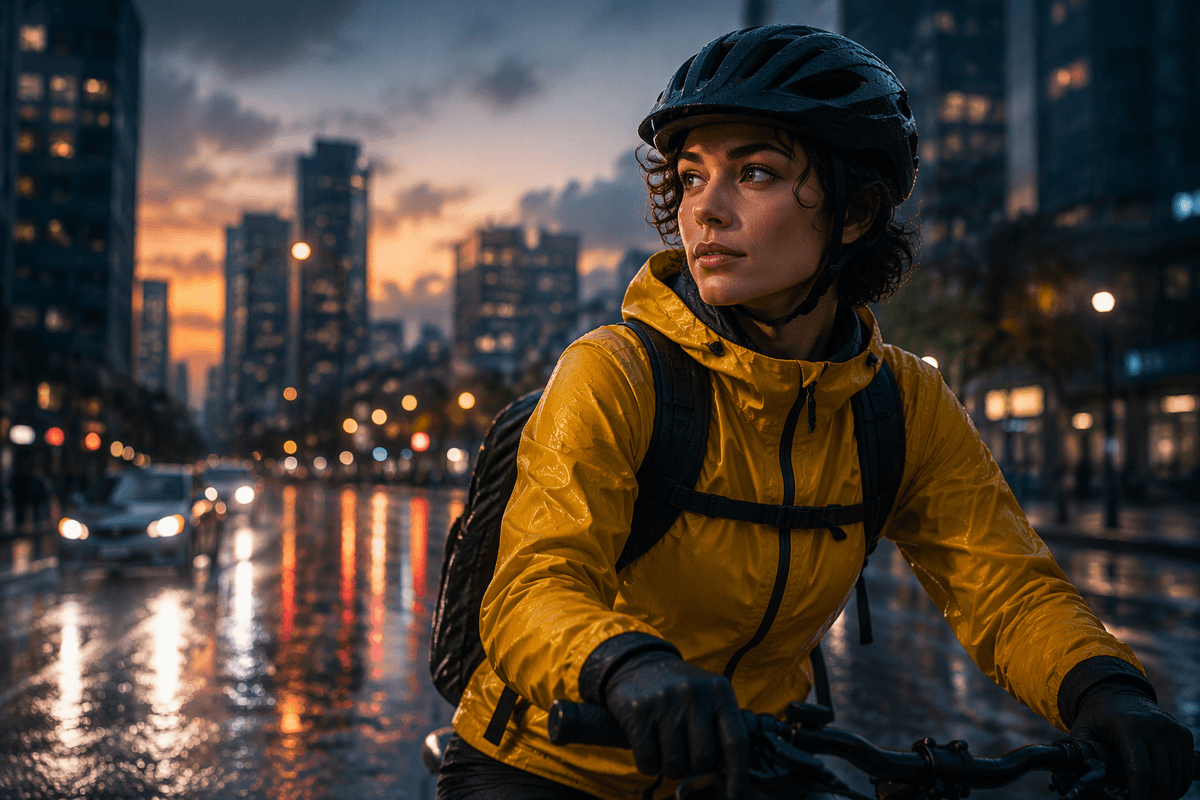
For example: “female cyclist, short curly hair, yellow rain jacket, black helmet; rainy city street at dusk, wet asphalt reflections, passing cars bokeh; cinematic color grade, 35mm film still, soft rim light, realistic.” If you notice drift, tighten the subject first (fewer traits, more specific ones) before piling on more style words. The more you separate and constrain, the less room you leave for happy accidents.
Parameters that actually tighten the output
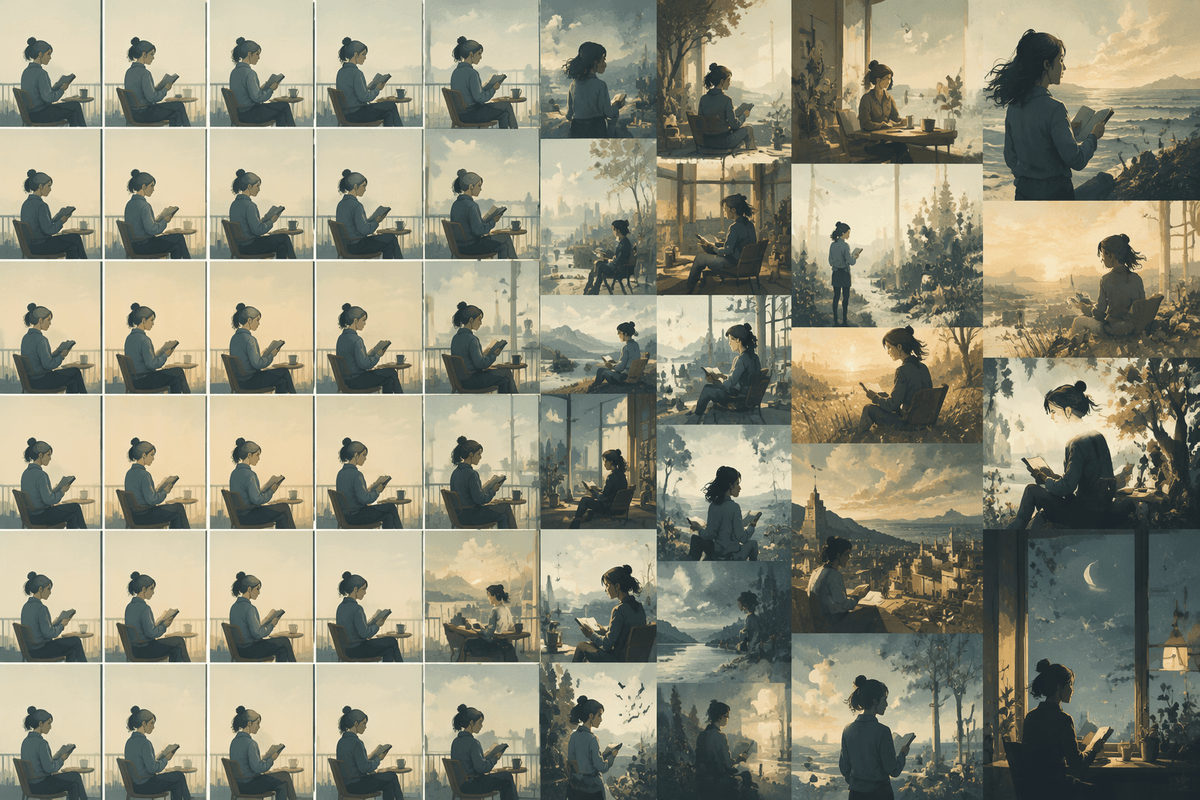
You’ll get more control from a few parameters than from adding more adjectives. Start with --seed when you’re dialing in a concept: it keeps the underlying “noise” consistent so changes you make to wording are easier to read. Pair that with a sensible --stylize value; lower stylize usually follows your prompt more literally, while higher stylize adds more model taste (often nice, but less predictable). Keep --chaos low when you need repeatable framing and subject traits, and raise it only when you’re intentionally exploring options.
Lock in the canvas early with --ar (aspect ratio), because composition drift often starts as a shape problem. Use --no to exclude repeat offenders (“--no text, --no extra fingers, --no logo”), but don’t overdo it—too many negatives can fight your main intent. The tighter settings can require more reruns to get a fresh spark.
Use images and references without losing direction
The moment you add an image prompt or reference, Midjourney stops guessing from scratch and starts negotiating with what you fed it. That’s powerful for control, but it’s also how your results drift: the reference quietly overrides your subject or your look. Treat images like constraints, not inspiration. Use one “identity” image when you care about the subject staying the same, and one “style” image when you care about the finish. Mix three or four and you usually get an average that satisfies none of them.
Keep your text prompt doing the job of decision-making: name the subject traits that must persist, then restate the scene and camera choices so the reference can’t pull you off course. If a reference keeps injecting unwanted elements (a hat, a logo, a background you didn’t ask for), remove it before you add more words. In practice, you’ll also pay a cost: building a clean reference set takes time, and you’ll burn runs testing which single image is actually helping.
Composition and camera language for predictable framing
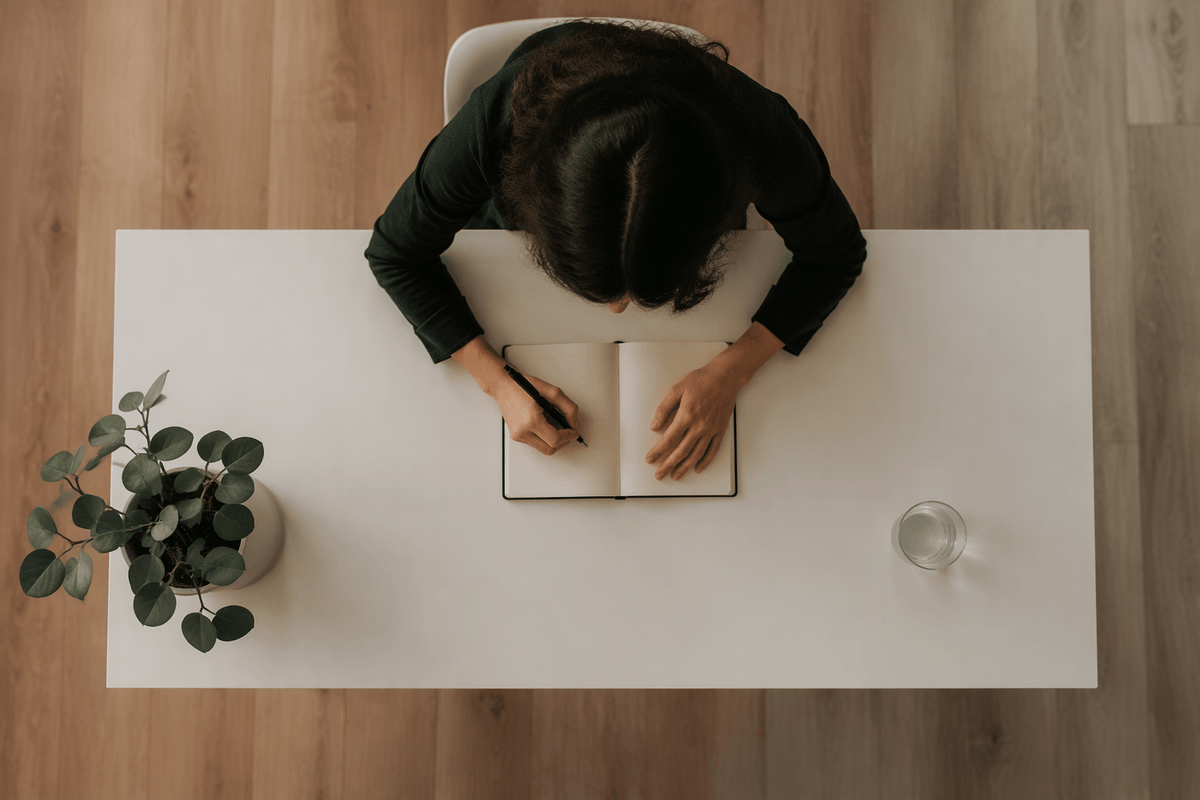
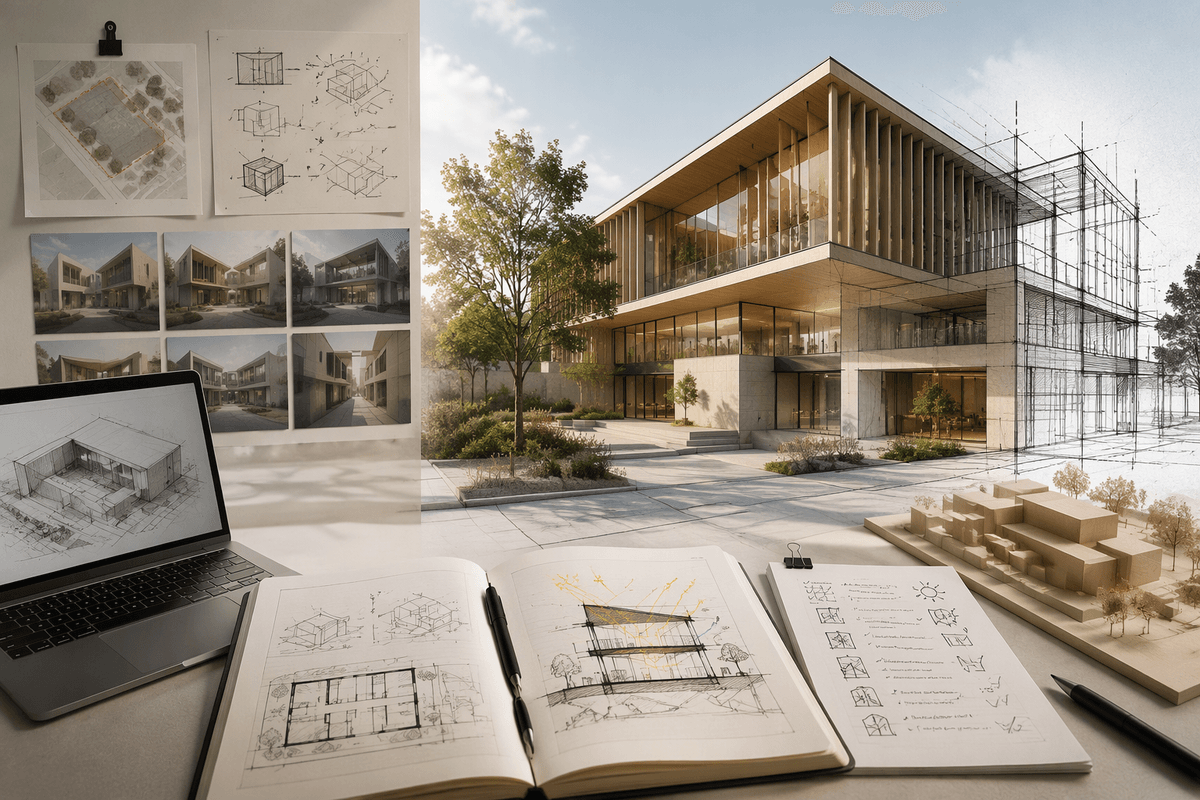
You’ve probably seen this: you ask for “a portrait,” and you get a full-body shot; you ask for “wide,” and the subject fills the frame anyway. Midjourney responds better when you describe framing like a photographer would, using a few concrete levers: shot size (close-up, medium shot, full-body, wide establishing shot), camera position (eye-level, high angle, low angle, overhead), and lens feel (24mm wide, 35mm, 50mm, 85mm portrait). Pair that with a clear subject placement: “centered,” “rule of thirds,” “negative space on the left for headline,” “subject on right third, looking into space.”
Then make the canvas cooperate. Lock --ar before you refine, and don’t expect a perfect “three-quarter profile” if your aspect ratio forces a crop. If framing keeps drifting, reduce competing scene details (fewer props, simpler background) and restate the shot in the last clause. The tighter composition language can make images feel less spontaneous, and you may need extra rerolls to get a natural pose inside the box.
Iterate like a designer, not a gambler
Changing five things at once and hitting reroll leaves the result largely to chance. A more deliberate process usually saves time over repeated attempts. Adjust one aspect per cycle: subject details, scene elements, or camera framing. Keep the same --seed, low --chaos, and fixed --ar so the results remain easier to compare. When an image nearly works, resist rewriting the entire prompt. Add one specific correction, such as “hands on handlebars,” “no backpack,” or “tight close-up, shoulders to top of head,” and leave the other instructions unchanged. This makes it easier to identify which adjustment actually improved the image.
Keeping prompt versions organized also helps. Treat each one like a design comp: v1 establishes the concept, v2 refines the composition, and v3 focuses on styling. A simple record of these changes prevents a common waste of time: running dozens of generations without knowing which revision made the difference.
A simple checklist for controlled Midjourney results
When results start drifting, run a quick checklist before you reroll: (1) Subject: one sentence with 2–4 non-negotiable traits (and remove “nice-to-have” descriptors). (2) Scene: only the facts that affect the read—location, time, key prop/action. (3) Style: pick one primary medium/look, one lighting note, one palette note. (4) Camera: shot size + angle + lens + subject placement, then lock --ar. (5) Control knobs: reuse --seed, keep --chaos low, set --stylize intentionally, add 1–3 --no items max. If you change something, change one thing.